Check Your System
Match the product requirements to your operating system before ordering.
AvGuard Hub Device Security
Plans & Practical GuidanceFind a security plan for the devices you use at home or at work. Our team can explain your options and help you navigate the steps after purchase.
Questions about a purchase? Keep your order number handy.
After Your Purchase
Locate your download instructions, check the installer, and work through common setup questions. Tell us your device type so we can understand where you need help.
Understand where to enter your product key and what an activation message means. Keep your order details nearby, and share the error wording when asking for guidance.
Discuss unexpected scan behavior, update errors, or settings you are unsure about. Issues that require a product-specific fix may need the publisher's support team.
Browse the Range

Antivirus & Device Security
Digital delivery. Check device limits and license terms.
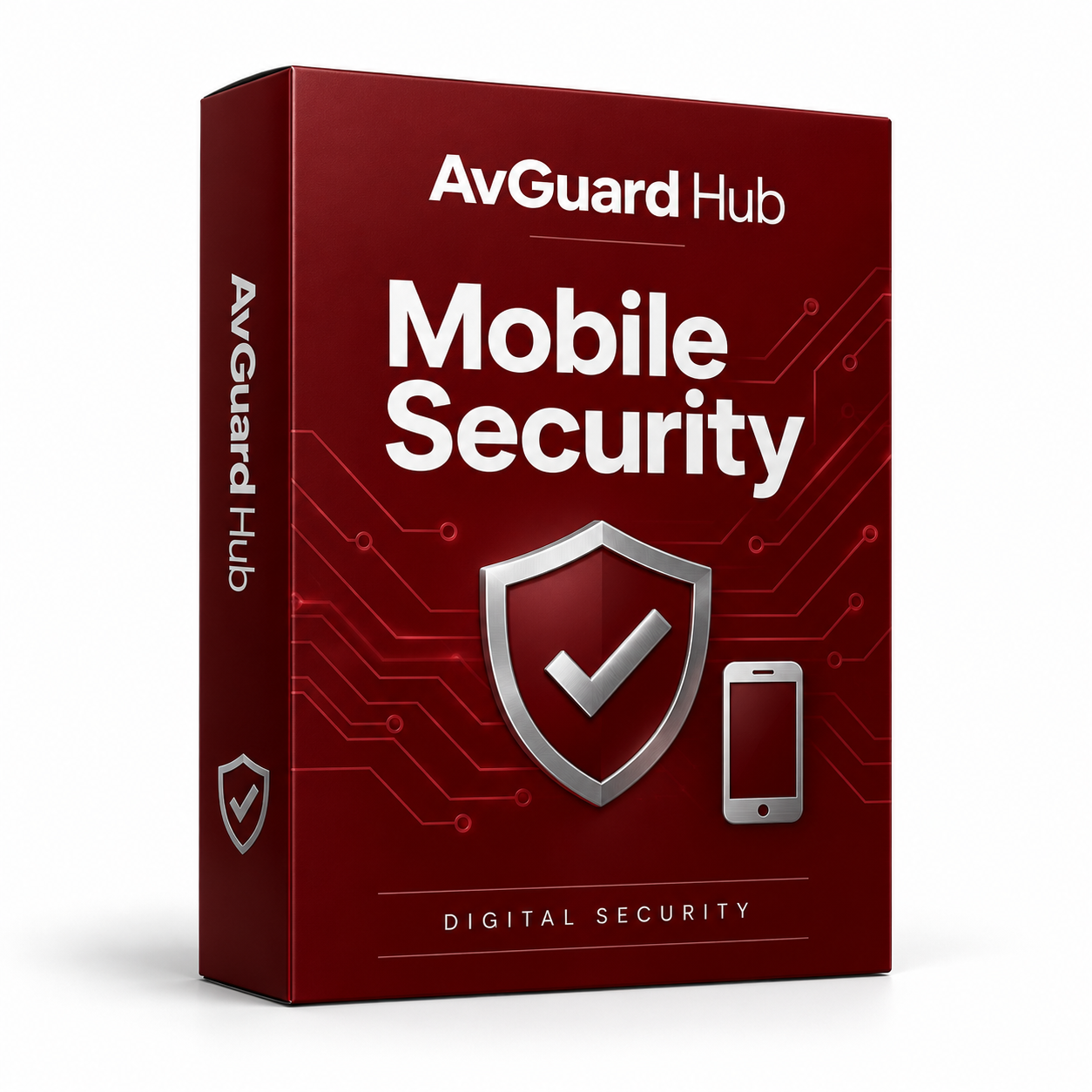
Antivirus & Device Security
Digital delivery. Check device limits and license terms.
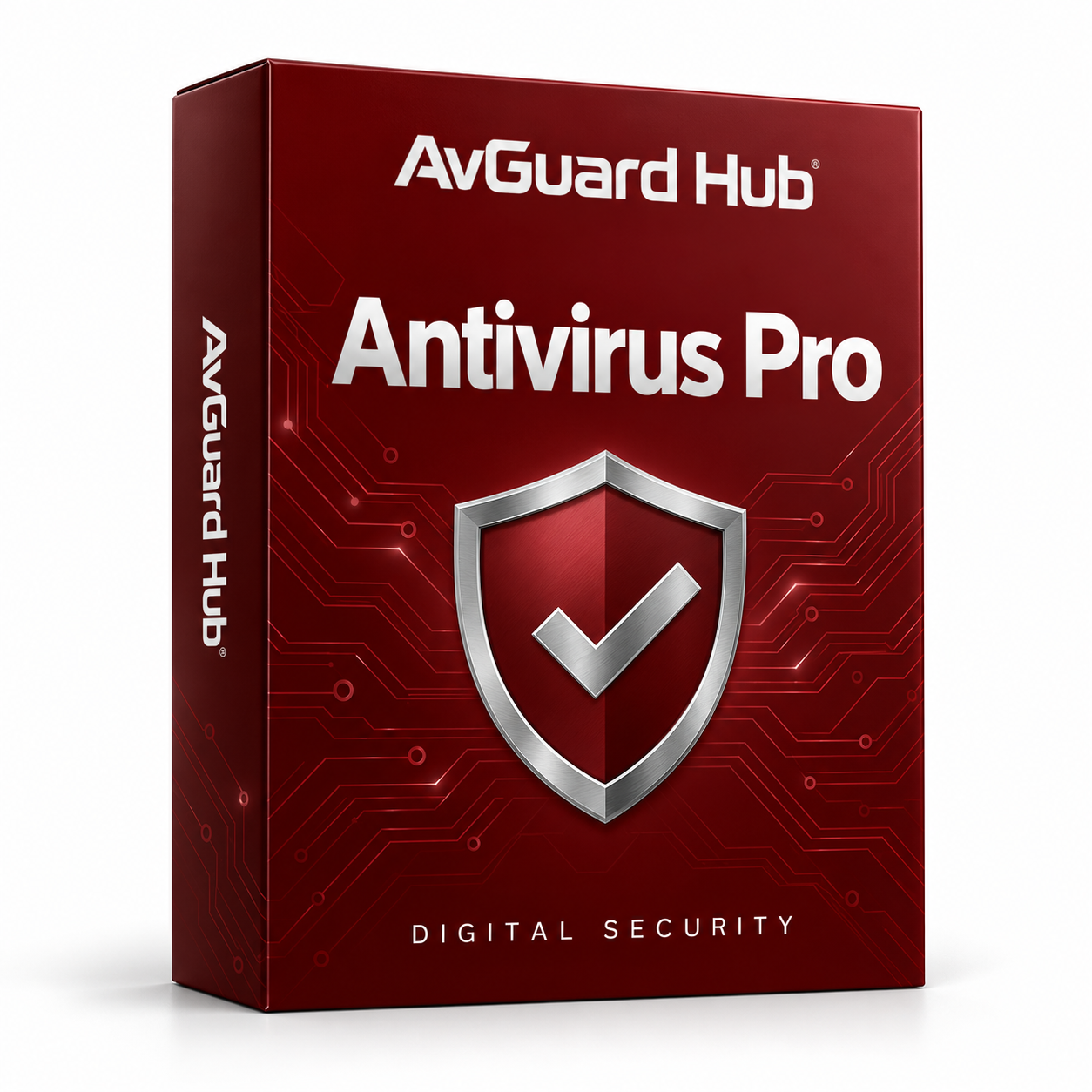
Antivirus & Device Security
Digital delivery. Check device limits and license terms.

Antivirus & Device Security
Digital delivery. Check device limits and license terms.

Antivirus & Device Security
Digital delivery. Check device limits and license terms.
Antivirus & Device Security
Digital delivery. Check device limits and license terms.
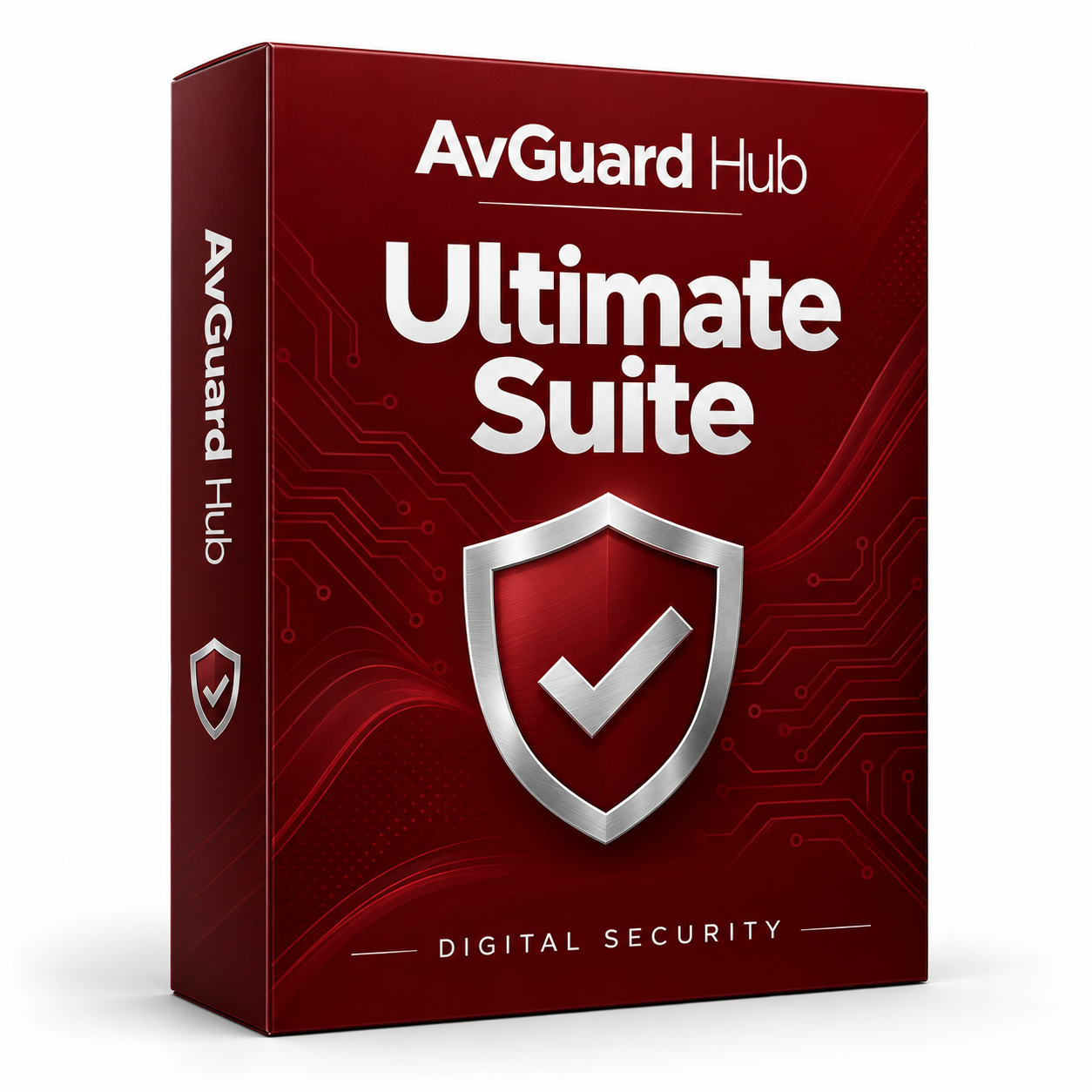
Antivirus & Device Security
Digital delivery. Check device limits and license terms.
Antivirus & Device Security
Digital delivery. Check device limits and license terms.
From Choice to Setup
Review the plans and choose one that suits your devices.
Check your selection and email address at checkout.
Look for the product information sent with your order.
Follow the supplied download and activation instructions.
Want to discuss a plan or an existing order?
Useful Answers
Compare your operating system, device count, and intended use with the requirements listed for each product. Ask us if you need help understanding a detail.
Have your product name, operating system, and order number available. If something failed, note the exact message shown on screen.
Check that the key matches the software you installed. Contact us with your order number and the activation message so we can discuss the next step.
Digital product details are sent electronically. Check the email used at checkout, including its spam folder, and review our delivery policy.
Call 1-844-430-6548 or email info@avguardhub.com for product and order questions.